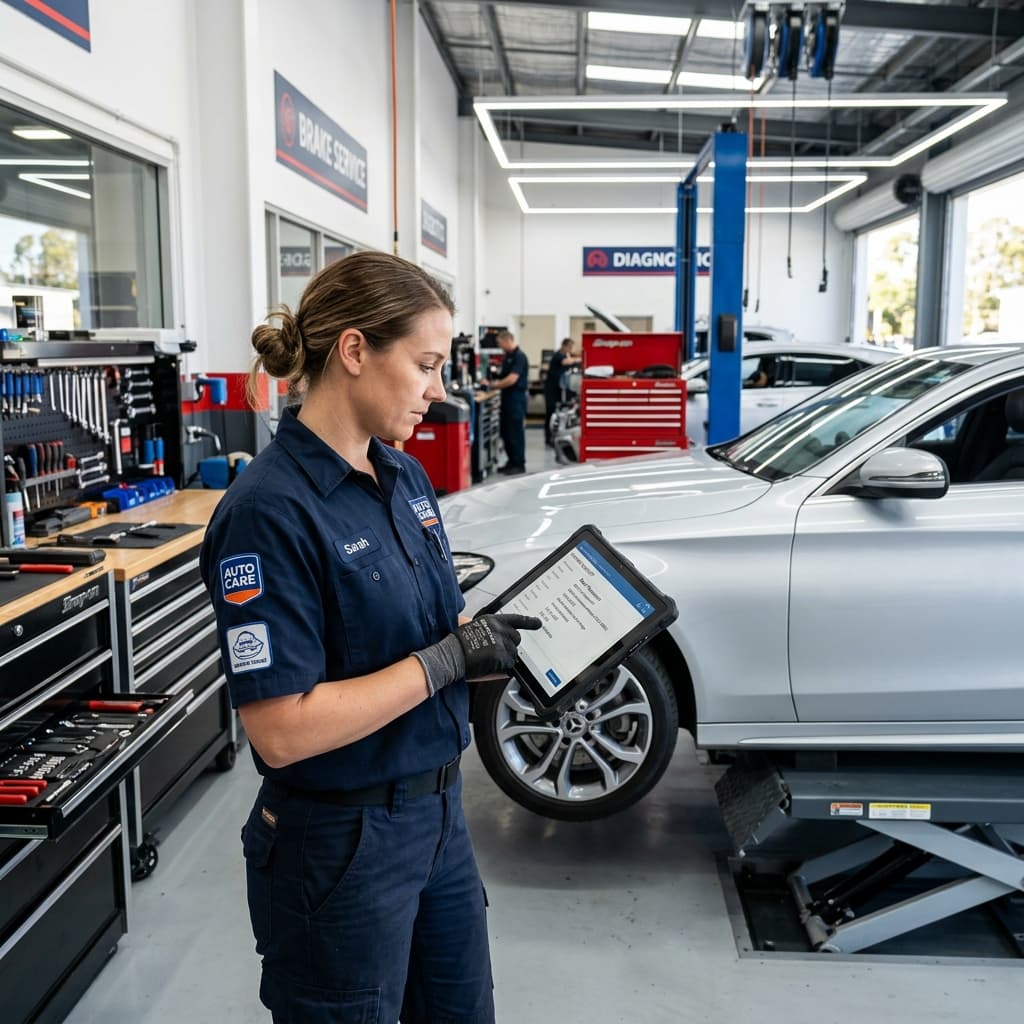
An auto repair shop runs on two things that are almost impossible to do at once: working on cars and answering the phone. Every call you take with greasy hands is a job paused; every call you miss is a job gone. Online booking fixes the trade-off — it lets customers request work the moment they think of it, captures the details you need to quote, and leaves you free to actually turn wrenches.
This is a practical, no-fluff setup guide: what online booking should do for a repair shop specifically, what to look for, and how to get a working booking page live in an afternoon.
Why auto repair shops need online booking
Car trouble is stressful and time-sensitive, and most people now reach for a search bar before a phone. When they land on your site at 9pm worried about a grinding noise, one of two things happens: they find a way to tell you about it, or they bounce to the shop down the road that does. A booking page is how you catch that intent while it's hot.
It also fixes the daytime problem. The phone rings while you're mid-job, you can't answer, and — as we cover in our guide on missed calls — most of those callers never try again. Online booking gives them a door that's open even when your hands aren't free.
Booking vs. intake: what a repair shop actually needs
Here's the mistake most generic scheduling tools make for auto shops: they treat a car like a haircut. They show the customer a calendar of open 30-minute slots and let them book one. But you can't commit to a fixed appointment for a "weird noise when braking" — you don't know if it's pads or a caliper until you see it.
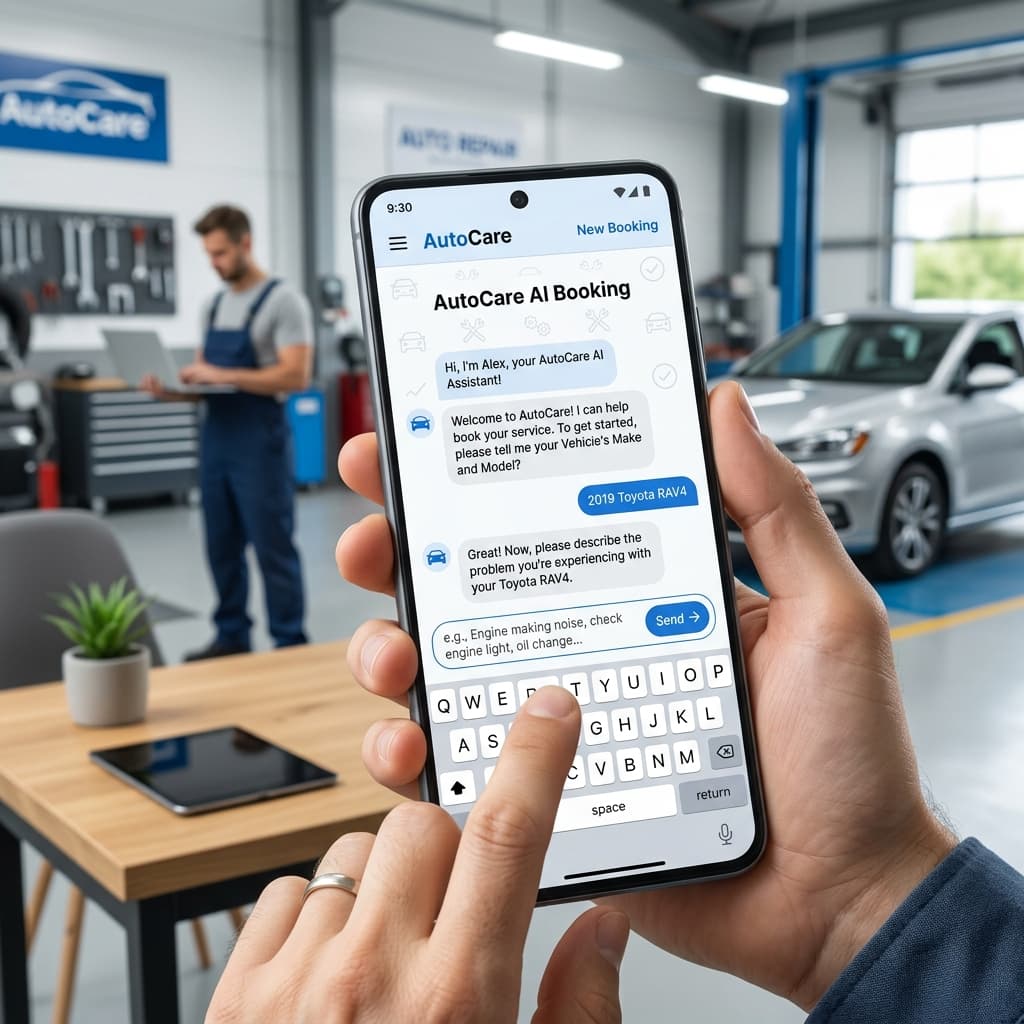
What a repair shop needs is intake: capture the request and the details, then you confirm the time once you understand the job. The customer feels taken care of; you keep control of your bay schedule. The right questions up front make this work:
- Year, make, and model (and mileage, if they know it)
- The symptom in their own words — noise, warning light, leak, failed inspection
- How urgent it is and whether the car is drivable
- Preferred drop-off window and the best number to reach them
Triage before they arrive
What to look for in auto repair scheduling software
Cut through the feature lists and judge a tool on whether it fits how a shop actually runs:
- Request-and-confirm, not hard slots. You approve the time after you understand the job — the software shouldn't auto-commit your bays.
- Vehicle-aware intake. It should ask car-specific questions, not generic "what service do you want?" dropdowns.
- Instant notifications. A text and email the second a request lands, so you can respond first and win the job.
- No friction for the customer. No app to download, no account to create — just a conversation on your site.
- Works on the website you already have. Or comes with a booking page so you don't need to build one.
Setting up online booking in an afternoon
With a modern AI intake tool, going live is a short checklist, not a project:
- Create your booking page. Add your shop name, services, hours, and a line about what you do. (IntakePilot can pre-fill most of this from your existing Google listing.)
- Set your intake questions. Start with the vehicle-and-symptom defaults above and tweak the wording to sound like your shop.
- Choose how you're notified. Turn on text and email alerts for new requests so nothing waits in a queue you have to remember to check.
- Add the link to your site and Google profile. Put "Request service" on your homepage, your Google Business Profile, and your social bios.
- Test it like a customer. Submit a request from your phone and confirm the alert lands. Done.
Get an auto-shop booking page live today
IntakePilot ships with an auto-repair intake assistant that knows to ask for the vehicle and the symptom — and texts you the second a request comes in. Setup takes about 10 minutes.
Getting started
You don't need a developer, a new phone line, or a week of setup to stop losing evening and mid-job requests. A booking page that does proper vehicle intake and pings your phone the instant a job comes in is an afternoon's work — and it keeps earning while you're under the next car.
Comparing options? See how the common tools stack up for service businesses in IntakePilot vs Calendly vs Booksy.
Stop letting requests slip away
IntakePilot answers on your site 24/7 and texts you the moment a new request comes in. Setup takes about 10 minutes.
Frequently asked questions
Keep reading

How to Stop Losing Customers to Missed Calls
Most callers who hit your voicemail never call back. Here’s what missed calls really cost a service business — and five concrete ways to capture every request.

IntakePilot vs Calendly vs Booksy: The Honest Comparison
Calendly, Booksy, or an AI intake assistant? An honest, side-by-side comparison for small service businesses — where each tool wins and how to pick.