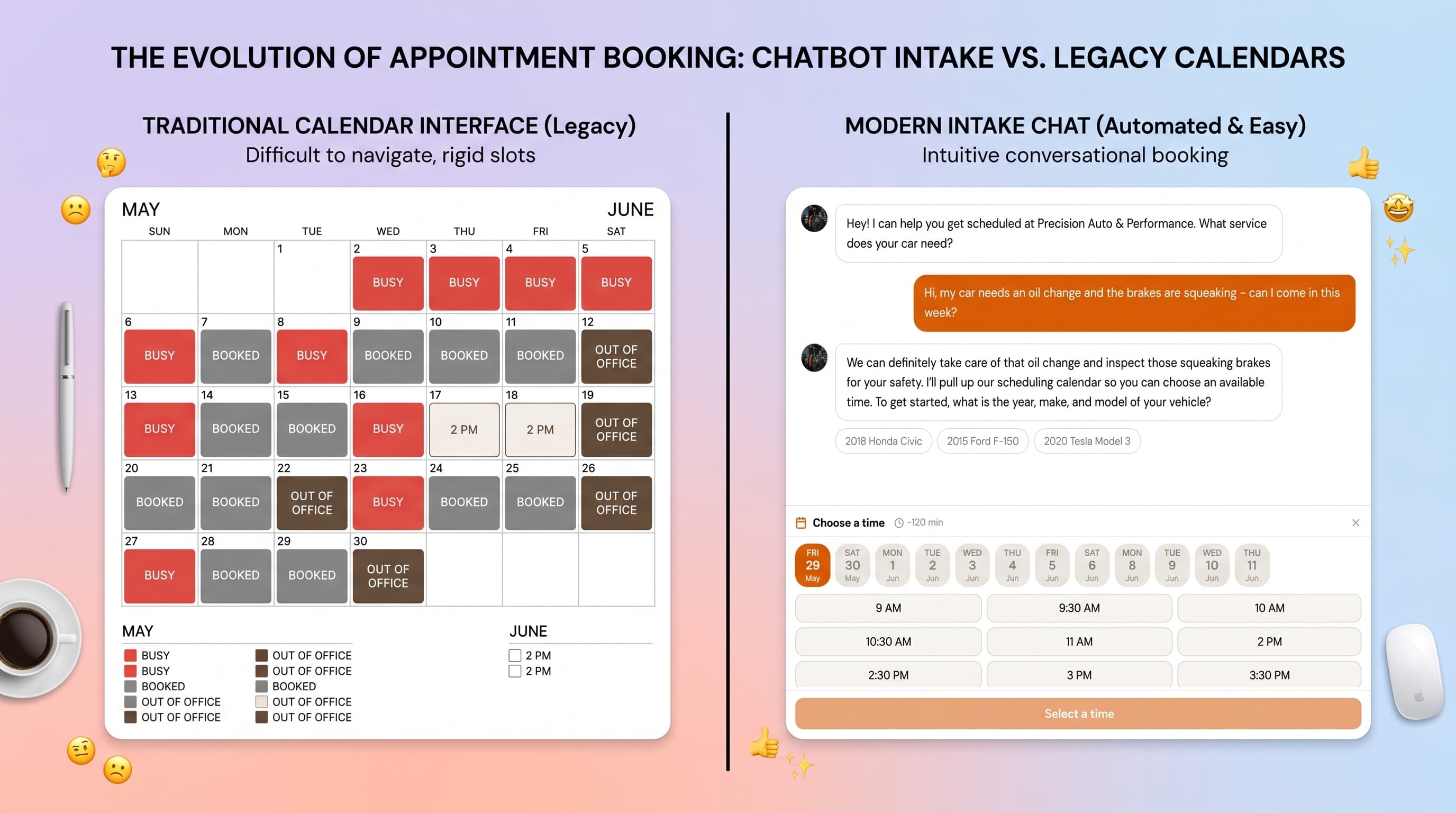
"Online booking" and "online intake" get used as if they mean the same thing, but for a service business they describe two genuinely different workflows — and picking the wrong one quietly costs you jobs. One lets a customer grab a slot on your calendar. The other captures what they need so you can decide. Knowing which you actually need is the difference between a tidy schedule and a day of back-to-back surprises.
What "booking" usually means
In the strict sense, booking is self-serve scheduling. You publish a calendar of open time slots, the customer picks one, and it's locked in. Tools like Calendly are built for exactly this, and it's perfect when the work is uniform: a 30-minute consult, a one-hour class, a standard wash. The customer commits to a time and so do you.
The catch is that it assumes you already know how long the job will take before you've seen it. For a fixed-length service that's fine. For most trade work, it's a trap.
What "intake" means
Intake flips the order. Instead of asking the customer to pick a slot, you first capture the request and the details that let you scope it — the vehicle and the symptom, the breed and the coat, the address and the problem. Only then do you decide what the job needs and offer a time that fits.
This is how a good shop has always worked over the phone: you ask a few questions before you promise anything. Online intake just moves that conversation onto your website so it happens even when you can't pick up — which, as we cover in our guide on missed calls, is most of the time.
When to use which
The honest rule of thumb:
- Use plain booking when every appointment is the same length and you can commit to a time sight-unseen — consults, classes, standard washes, fixed-price services.
- Use intake when the job has to be diagnosed or scoped first — "weird noise when braking," a matted rescue dog, a quote for unfamiliar work. You can't honestly book a fixed slot for an unknown.
A quick test
The hybrid most shops want: request-and-confirm
In practice, the best fit for a one-to-four-person service shop is a blend: request-and-confirm. The customer describes what they need and leaves their details; you get the request instantly and approve a time once you understand the work. The customer feels taken care of and you keep control of your schedule — no double-booked bays, no "quick" slot that becomes a three-hour job.
An AI intake assistant runs this automatically: it holds a short conversation, asks the questions you'd ask anyway, and hands you a ready-to-confirm request by text and email. The customer never downloads an app or creates an account.
Capture requests, then confirm on your terms
IntakePilot puts an AI intake assistant on your site that asks the right questions, captures the job, and texts you each request to approve — so you’re never locked into a slot you haven’t scoped.
The bottom line
Booking and intake aren't competitors — they're tools for different shapes of work. If your jobs are uniform, a scheduling link is all you need. If they have to be sized up first, intake (or request-and-confirm) is what keeps your day from falling apart. Most trade shops land firmly in the second camp.
Want the vertical-specific version? See our setups for auto repair shops and pet grooming, or compare the common tools in IntakePilot vs Calendly vs Booksy.
Stop letting requests slip away
IntakePilot answers on your site 24/7 and texts you the moment a new request comes in. Setup takes about 10 minutes.
Frequently asked questions
Keep reading
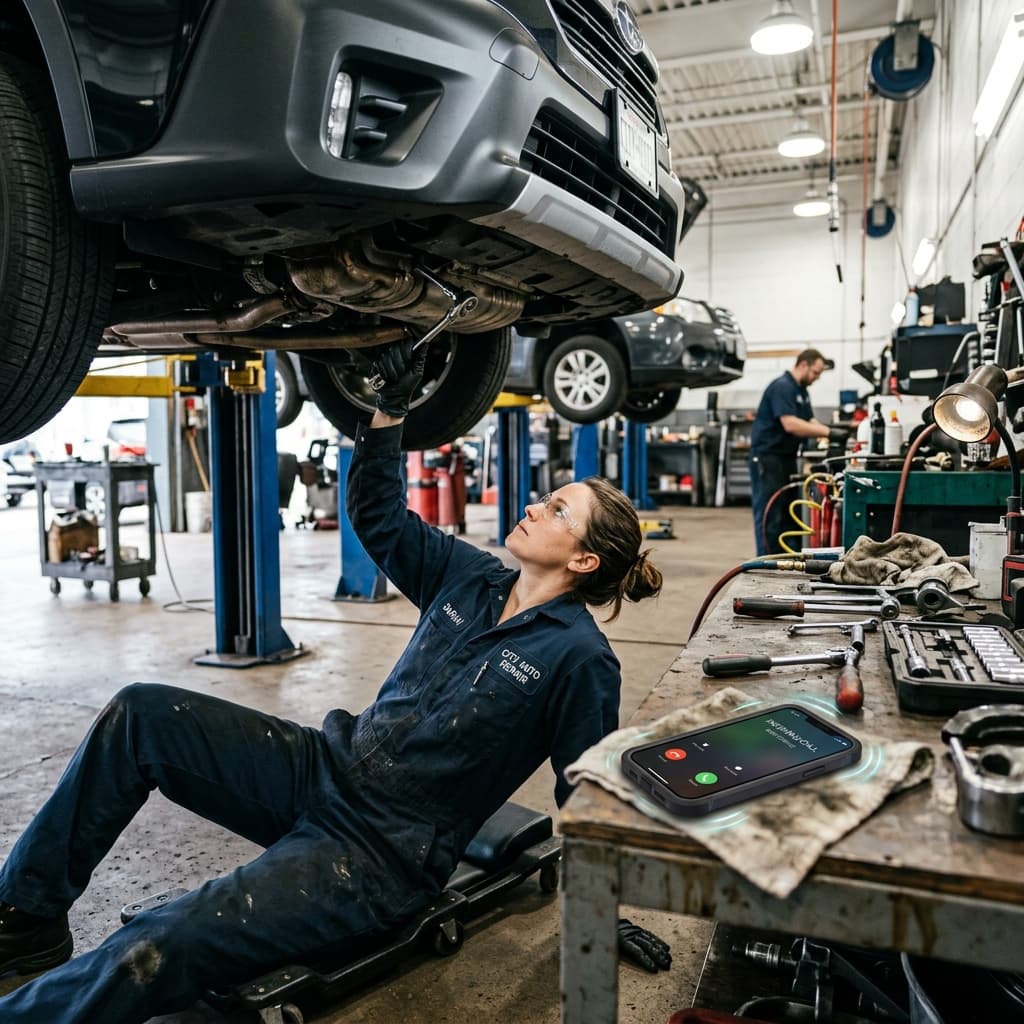
How to Stop Losing Customers to Missed Calls
Most callers who hit your voicemail never call back. Here’s what missed calls really cost a service business — and five concrete ways to capture every request.

IntakePilot vs Calendly vs Booksy: The Honest Comparison
Calendly, Booksy, or an AI intake assistant? An honest, side-by-side comparison for small service businesses — where each tool wins and how to pick.